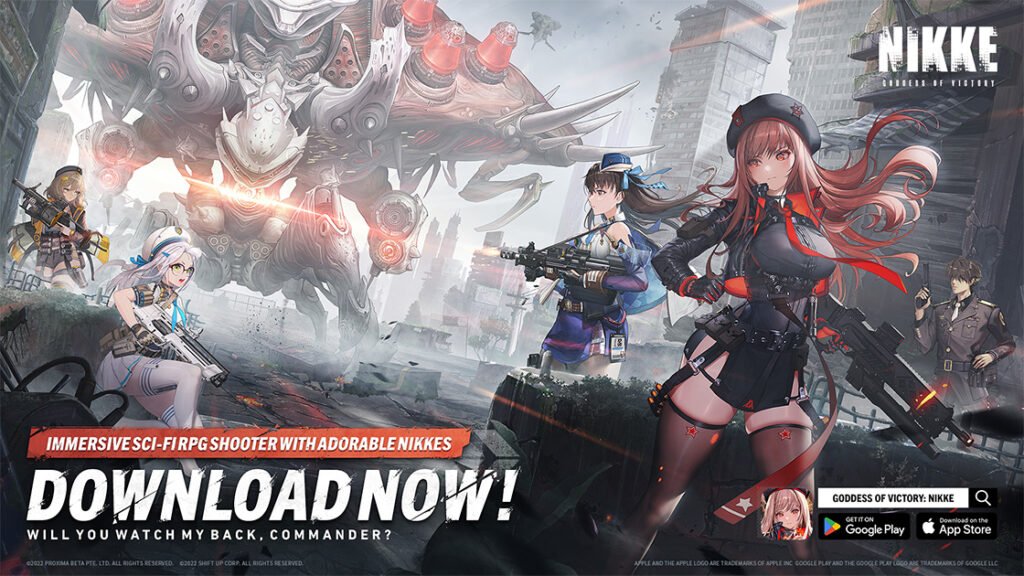
If you are about to open the Goddess of Victory: NIKKE PC launcher, use the updated official client. Level Infinite says it has removed the altered files, replaced the affected cached download copy, and added a scan-and-removal tool.
For background on the incident, read our earlier report on the NIKKE PC launcher attack.
If you opened the launcher before that update, take a few minutes to check your PC first. Here is the simplest order to follow.
What To Do Before You Play
- Update NIKKE from the official source. Start with the official NIKKE security notice and client, then let the launcher finish its own scan and removal process. Save your work and close your web browsers before running that scan, as the publisher instructs.
- Run a full Malwarebytes scan. Install or update Malwarebytes from its official website, then run a full scan of your PC. Let it quarantine or remove anything it detects.
- Change important passwords after the scan. Prioritize your email account, game accounts, and any service where you reuse a password. If Malwarebytes finds something, change those passwords from another device you trust.
That is the useful distinction here: the updated launcher is the correct version to use now, but its own repair tool is not a replacement for checking a PC that may have run the earlier client.
Avoid Unofficial Fixes
Do not download replacement files, third-party “cleaners,” or supposed fixes shared by strangers. Use the official NIKKE launcher for its repair step and Malwarebytes for the separate PC scan. Reinstalling the game is optional; it does not replace either scan.
An Interim Option for PC Players
Researcher whyKusanagi recommends blocking tbs_browser.exe, the launcher’s built-in browser, in Windows Firewall as an interim safeguard for players who still use the PC client. Their guidance says this can block that component’s outbound connections while the game can still sign in and run. The researcher’s response kit on GitHub describes blocking as a way to buy time while players assess their systems.
How To Block tbs_browser.exe in Windows Firewall
You can create the rule manually in Windows 10 or Windows 11 without downloading a script. Close the launcher first, and make sure Microsoft Defender Firewall is turned on.
- Press Windows + R, type
wf.msc, and press Enter to open Windows Defender Firewall with Advanced Security. Approve an administrator prompt if Windows asks. - Select Outbound Rules on the left, then New Rule… on the right.
- Choose Program, then Next. Select This program path and click Browse….
- Find your actual NIKKE launcher installation folder and select
tbs_browser.exe. The community guide shows it underLauncher\intl_service\tbs_browser.exe; the drive and folders before that depend on where you installed the launcher. You can search the launcher’s installation folder in File Explorer if you cannot find it. Select that executable, rather than the game’s main executable. - Click Next, select Block the connection, and click Next again.
- Keep Domain, Private, and Public checked so the rule applies across network types. Click Next.
- Name it NIKKE — Block tbs_browser outbound and select Finish. Find the rule in Outbound Rules, open its Properties, and confirm it is enabled, its action is Block the connection, and the program path points to the file you selected.
This blocks outgoing network access for that specific executable path. If you move or reinstall the launcher, check the rule’s path again. To undo the change, right-click your named rule in Outbound Rules and choose Disable Rule. The procedure follows Microsoft’s Windows Firewall rule guidance.
Blocking the browser is an interim measure; it does not remove malware already present or establish that a previously affected PC is clean.
So, Is It Safe To Launch?
Yes, the updated official launcher is intended to be used. If you did not open the earlier affected client, update through the official route and play. If you did, run the launcher’s scan, run Malwarebytes, then change your important passwords before you get back to the Ark.
ONGOING COVERAGE
NIKKE Launcher Coverage
The tracker, practical player guidance, and the reporting behind the incident.